Pocket Dystopia: a premise generator that hands a stuck writer somewhere to start.
A premise generator for fiction writers: one tap fills five slots, then you lock the pieces that spark and re-roll the rest. Specific enough to argue with, which is what a blank page never gives you.
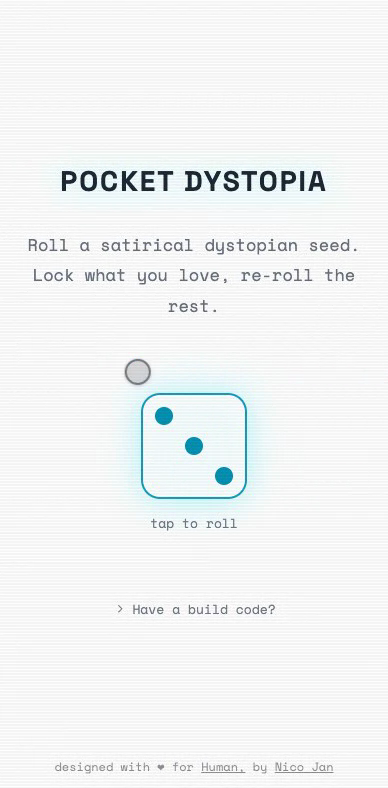
A blank page does not give you anything to push against.
Most premise generators answer a blank page with noise, and leave the writer back where they started.
The hard part of starting is finding something concrete to work against. What a generator usually hands over instead is three random nouns and a genre, as easy to dismiss as they are to read. One more tab to close.
How specific did a random result have to feel?
Not a good story. A seed specific enough that a writer can keep half of it and throw the rest away.
So Pocket Dystopia aimed lower. The test I held it to was whether the next sentence arrived, not whether the seed was any good.
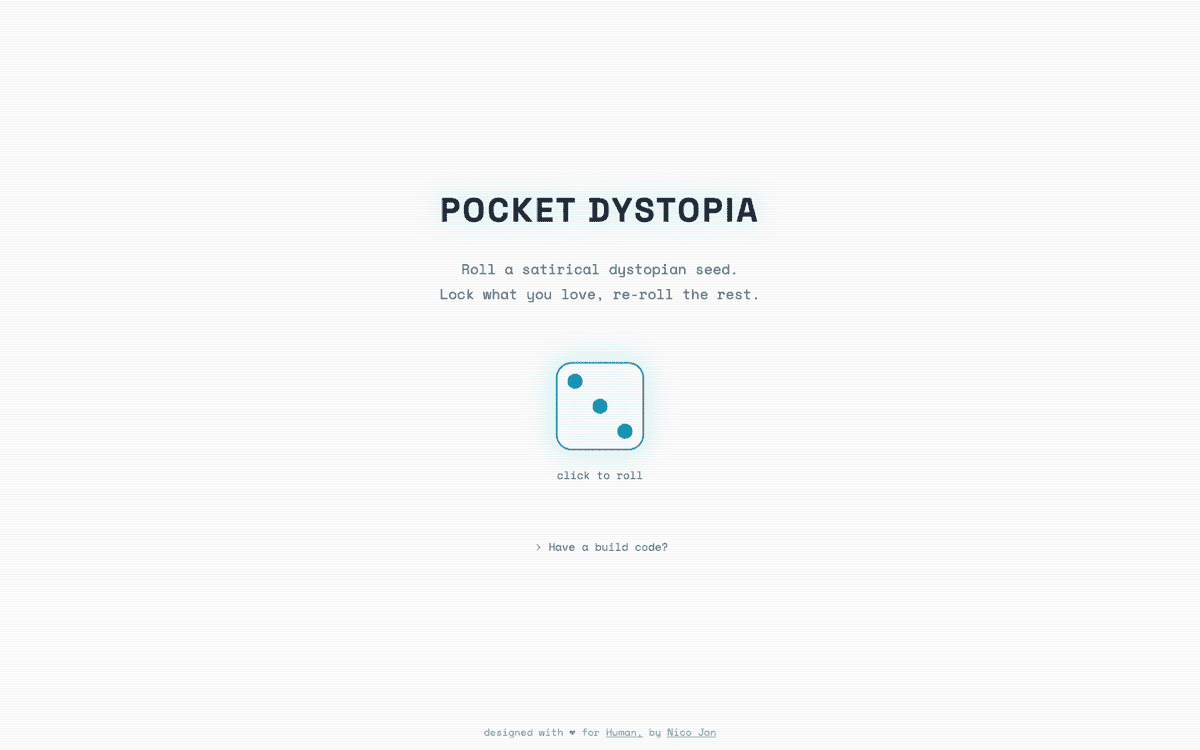
Roll the whole world, then lock what you love and re-roll the rest.
One tap rolls five slots, and keeping the ones that spark is what stops it being a slot machine.
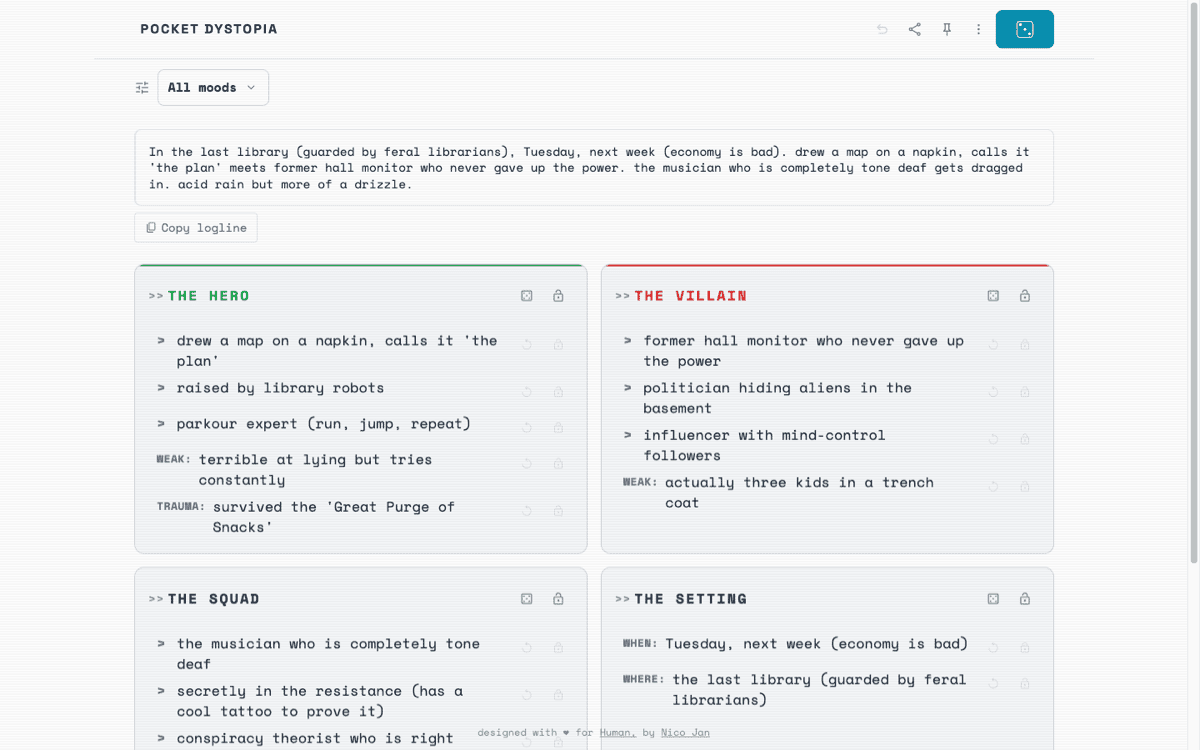
The generator builds a premise from five slots: a hero, a villain, a squad, a setting, and the obstacles between them. One tap rolls all of them at once; locking and re-rolling turns that roll into something you steer. A set of moods, from corporate dystopia to political satire, leans the whole roll toward the kind of trouble you feel like writing.
The five slots and the four moods 1 diagram
hero
a parkour expert
a barista who tastes lies
villain
an evil robot,
weak to pigeons
squad
a translator who
invents half the lines
setting
a spooky lab,
lights flickering
obstacles
the elevator only
goes sideways
The controls had to feel like rolling dice.
Two controls per card, sized like game pieces rather than form fields, plus one toggle between reading and scanning.
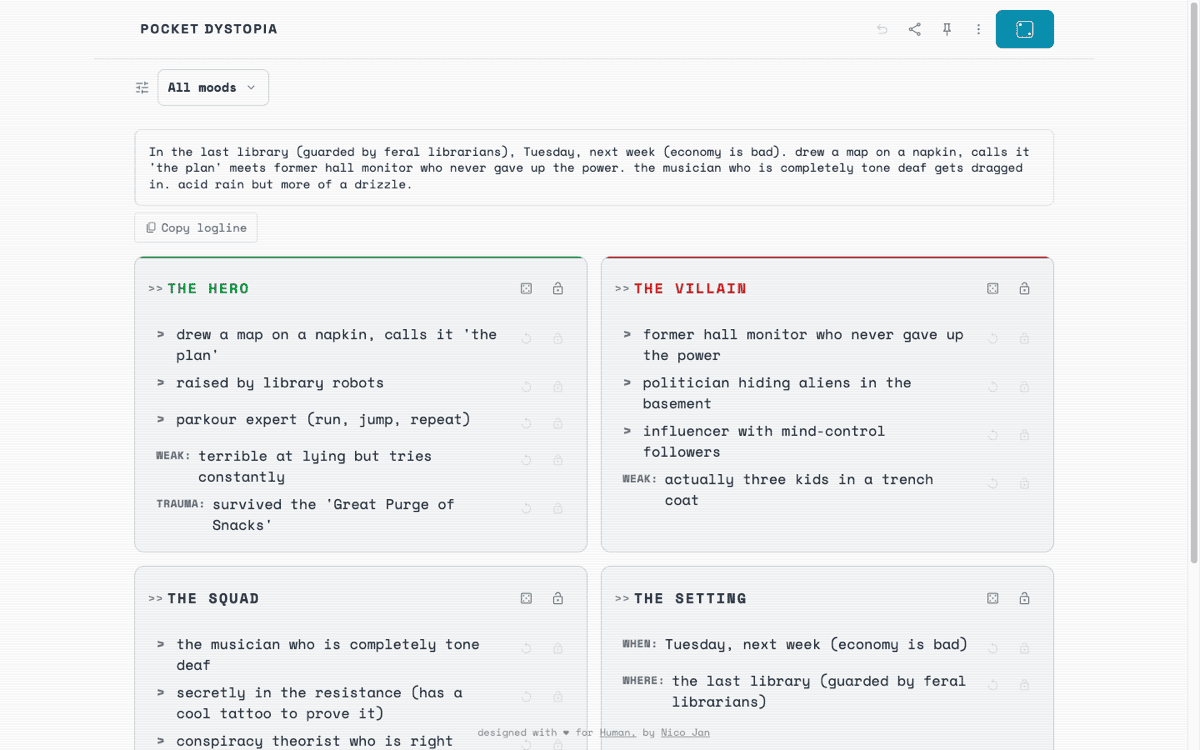
The two are a lock and a re-roll, one per card. A density toggle switches between expanded cards, for reading one premise closely, and a compressed list, for scanning a whole world at a glance. The overflow menu holds the small, respectful defaults: a light or dark theme, a left-handed layout, and a guide to the keyboard shortcuts.
-
-
-
-
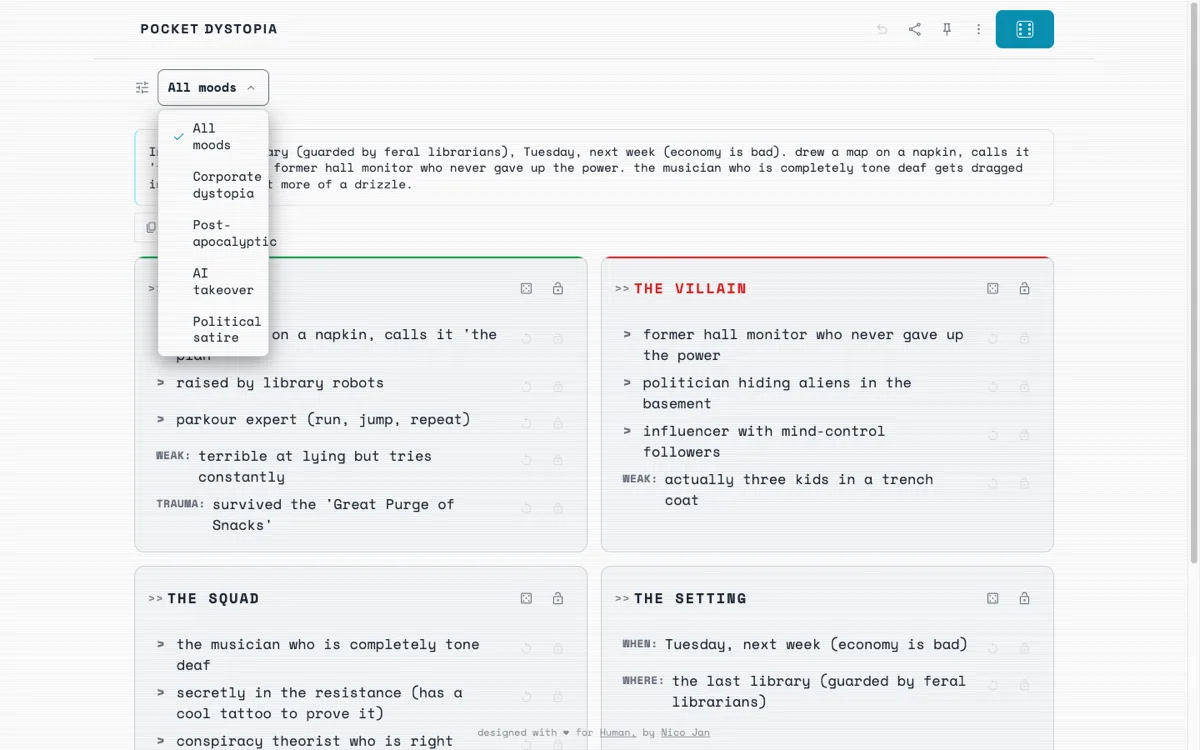 a mood biases the roll
-
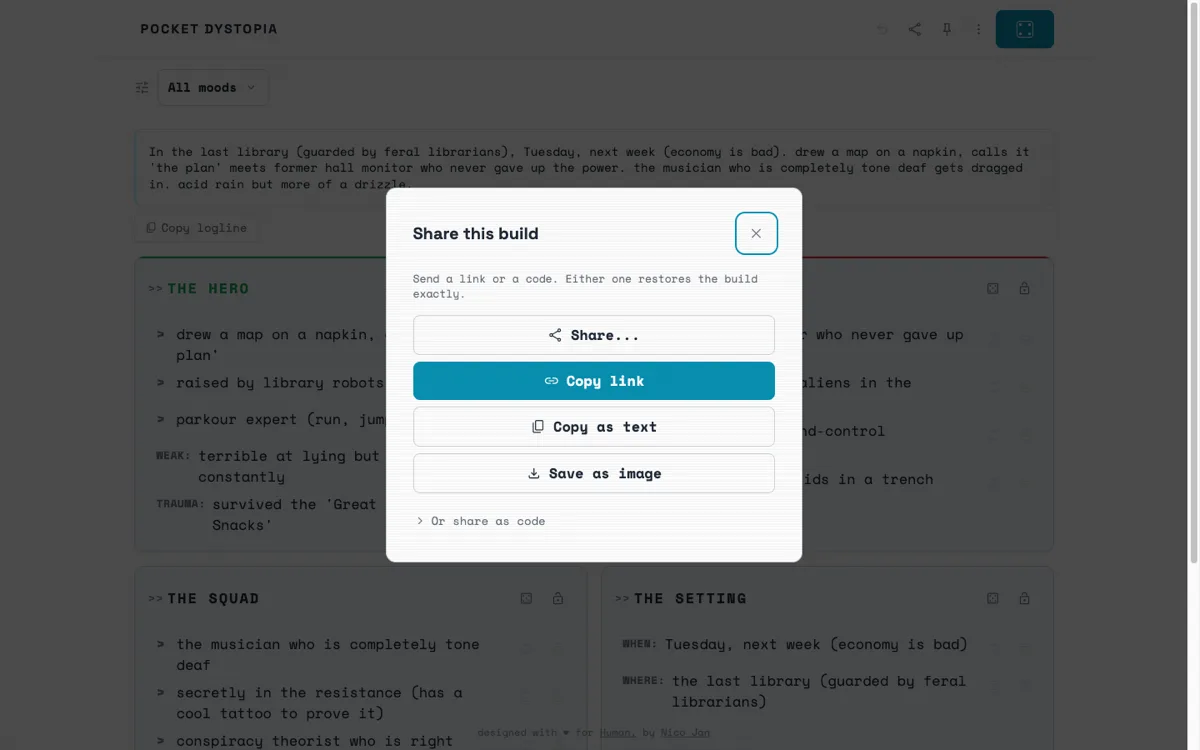 a build survives a refresh
-
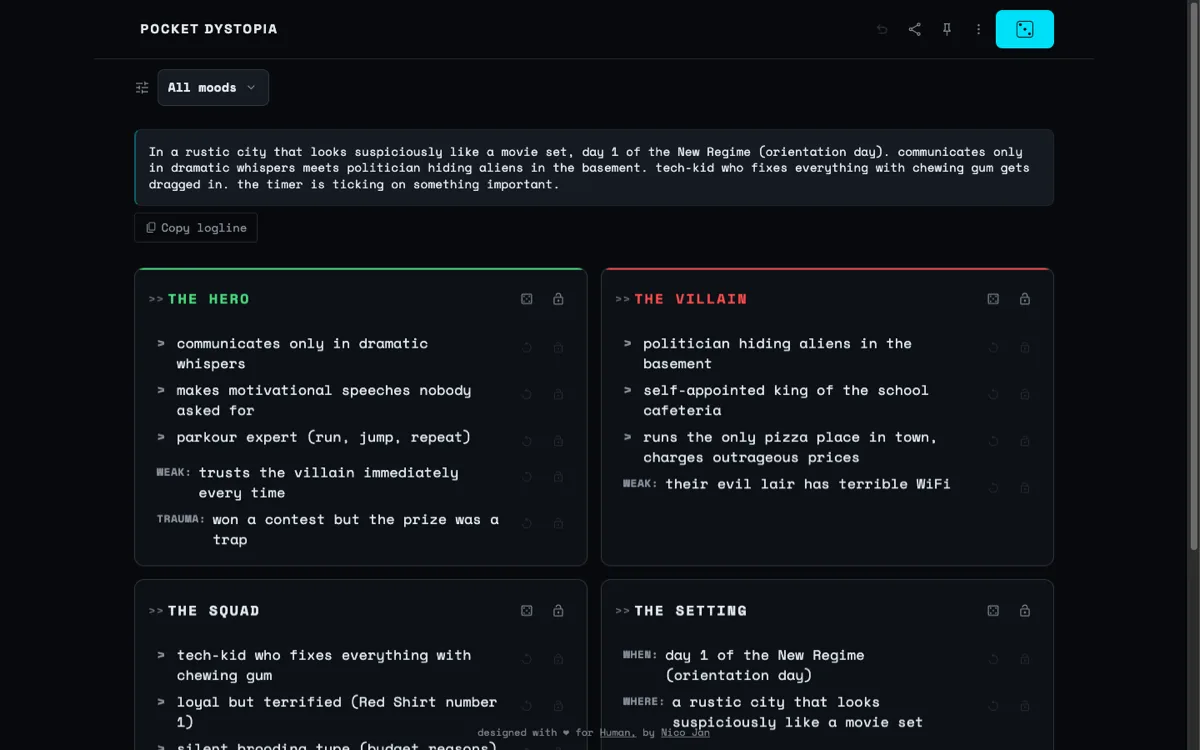 dark mode
-
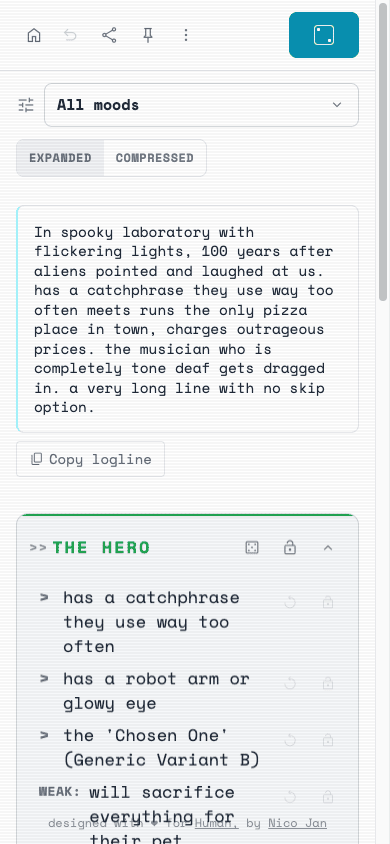


The early seeds read flat, so I made them stranger.
A generic detail gets waved away. An odd one gets argued with, and arguing is the point.
A villain who wants power is nothing. A villain who is an evil robot terrified of pigeons is an argument waiting to happen. So I rewrote the generator toward a more satirical voice and oddly specific details, the kind of thing a writer pushes back on instead of waving off.
The interface tightened when I came back to it. Revisiting the tool in 2026, two years after it shipped, I put it in front of fellow designers and three changes stuck. Two arrows that both read as “expand” became one control; a palette that blurred a character’s story traits into the brand blue got split in two; and low-contrast text was pushed to read cleanly. The compressed and expanded views came from that same round.
What ships: a seed you can expand, compress, or drop into a draft.
A roll you liked survives a refresh, because the whole build encodes into a code you can share.
The tool is live and does one job. You can expand a seed into a full logline or compress it to a single line, then drop it straight into a draft.
What I learned: randomness is only useful when the writer can steer it.
My first instinct was a bigger word bank. Variety was never the thing that was missing.
I kept growing it, as if enough variety would eventually turn up something good. Giving the writer control moved it from toy to tool. A bigger pile of nouns would not have done that.